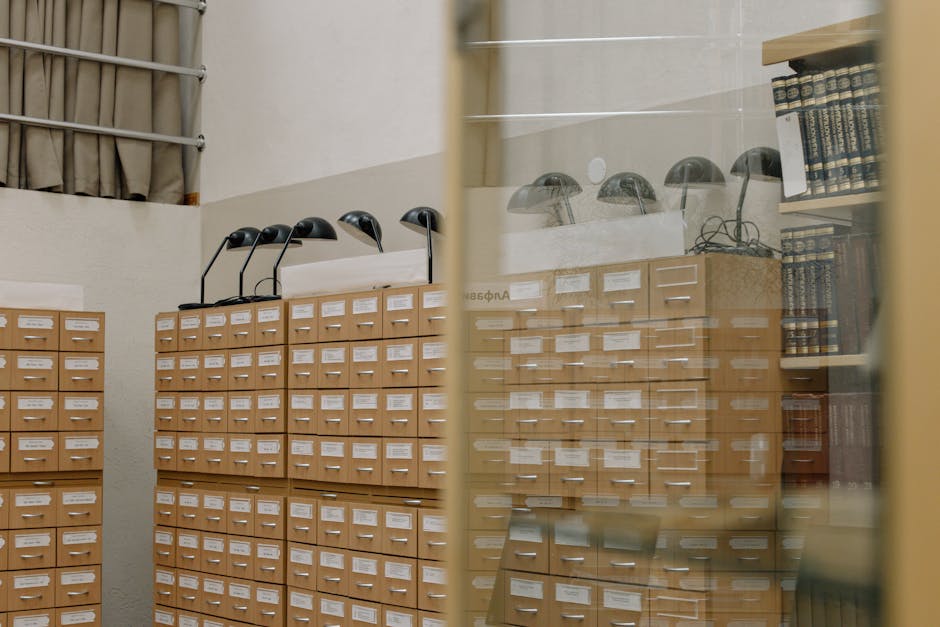
Instead of checking out books and carrying them home, imagine a reading room where you think about page 547 of “War and Peace” and it appears before you, not a copy, but the actual page visible through enchanted glass. You read thousands of books without carrying a single one. That’s memory-mapped files (mmap): making disk storage appear as memory, letting you access file contents as variables without traditional file operation overhead.
The Traditional Library Checkout
Traditional file reading works like borrowing books:
- Walk to library (open file)
- Find your book (seek to position)
- Check it out (read into buffer)
- Carry it home (copy to memory)
- Read at home (process data)
- Return book (close file)
For every page you want, repeat the process. For large files, this means constant system calls, buffer management, and data copying.
The Magic Reading Room
Memory mapping transforms the experience. The OS creates a virtual memory region that maps directly to the file. You access bytes at arbitrary positions and the OS loads pages on demand.
This diagram requires JavaScript.
Enable JavaScript in your browser to use this feature.
How It Works
- Call mmap() with file descriptor and length
- OS creates virtual memory region mapping to file
- Access any byte in the region
- OS loads corresponding file pages as needed
- Modifications write back to file (depending on flags)
No explicit read calls. No buffer management. Just pointer arithmetic.
Real-World Scenarios
Database Index
Traditional approach: read index block 1, search, read block 2, continue until found. Thousands of read syscalls for one query.
Memory mapped: map entire index file, search in memory, OS loads pages as accessed. The access pattern looks like sequential memory reads.
Log Analyzer
Without mmap: read chunk into buffer, process chunk, read next chunk, complex boundary handling, memory management burden.
With mmap: map 10GB log file, scan like a normal array, jump to any position instantly, OS handles paging. Simpler code, often faster execution.
Shared Dictionary
Traditional sharing: each program reads the file independently, each maintains its own copy, 10 programs consume 10x memory.
mmap sharing: map file once, all programs share the same pages, modifications visible to all processes, memory used exactly once.
Types of Mapping
Read-Only Mapping
Looking through protective glass. You can see all pages but cannot modify them. The OS can optimise aggressively since data never changes.
Private Mapping (Copy-on-Write)
Modifications go to a private copy. The original file stays unchanged. Useful when you need to process and modify without affecting the source.
Shared Mapping
All processes see the same content and modifications. True shared memory between processes. Requires coordination to avoid conflicts.
Anonymous Mapping
Memory allocation without a backing file. Useful for inter-process communication or temporary buffers that don’t need persistence.
Page Fault Mechanics
Demand Paging
You can map a 1TB file but no memory is used until you access specific pages. Access page 1000 and only that page loads. Efficient for sparse access patterns.
Read-Ahead
OS notices sequential access and pre-loads upcoming pages. You read page 100, OS loads 101-110. Reduces latency for sequential scans.
Page Eviction
When memory pressure increases, least-recently-used mapped pages are evicted. They disappear from RAM but the mapping remains. Access the page again and it reloads from disk.
Common Problems
Segmentation Fault
Accessing beyond file end causes SIGSEGV. The file has 500 pages but you try to read page 1000. Check file size before mapping and handle the mapping carefully.
Coherency Confusion
File modified outside your process while you hold it mapped. Your view becomes stale. Use file locking or explicit syncing for coordination.
32-bit Limitation
4GB address space on 32-bit systems limits how much you can map. Large files require sliding windows or 64-bit systems.
Performance Paradox
Random access causes page faults, which are expensive. Small files may have more overhead from mapping than gains. Sequential access beats random access with mmap.
Implementation
Basic Operations
Map: open(), fstat() for size, mmap() with PROT_READ or PROT_WRITE, use pointers Unmap: munmap() when done, OS handles cleanup Sync: msync() to force writes to disk, MS_SYNC or MS_ASYNC flags
Platform Differences
Linux offers rich mmap options, huge page support, and good performance. Windows uses CreateFileMapping() and MapViewOfFile() with different terminology but similar concepts. macOS uses BSD-style mmap with a unified buffer cache.
When to Use mmap
Use mmap for:
- Large files with random access patterns
- Shared memory between processes
- Read-mostly workloads where files act like databases
- When you want file access to feel like memory access
Skip mmap for:
- Small files where overhead exceeds benefit
- Purely sequential access where read-ahead works fine
- Heavy write workloads that cause many page faults
- When portability across exotic systems matters
Decision Rules
Map a file when:
- You need random access to large files
- Multiple processes will read the same data
- You prefer memory-style access over file-style access
- The OS virtual memory manager is smarter than your buffering code
Reach for read()/write() when:
- Access patterns are strictly sequential
- You need portable error handling
- Files are small enough to buffer entirely
- You lack control over page fault rates
The enchanted glass shows you the actual page. No checkout required. Every page at your fingertips.